
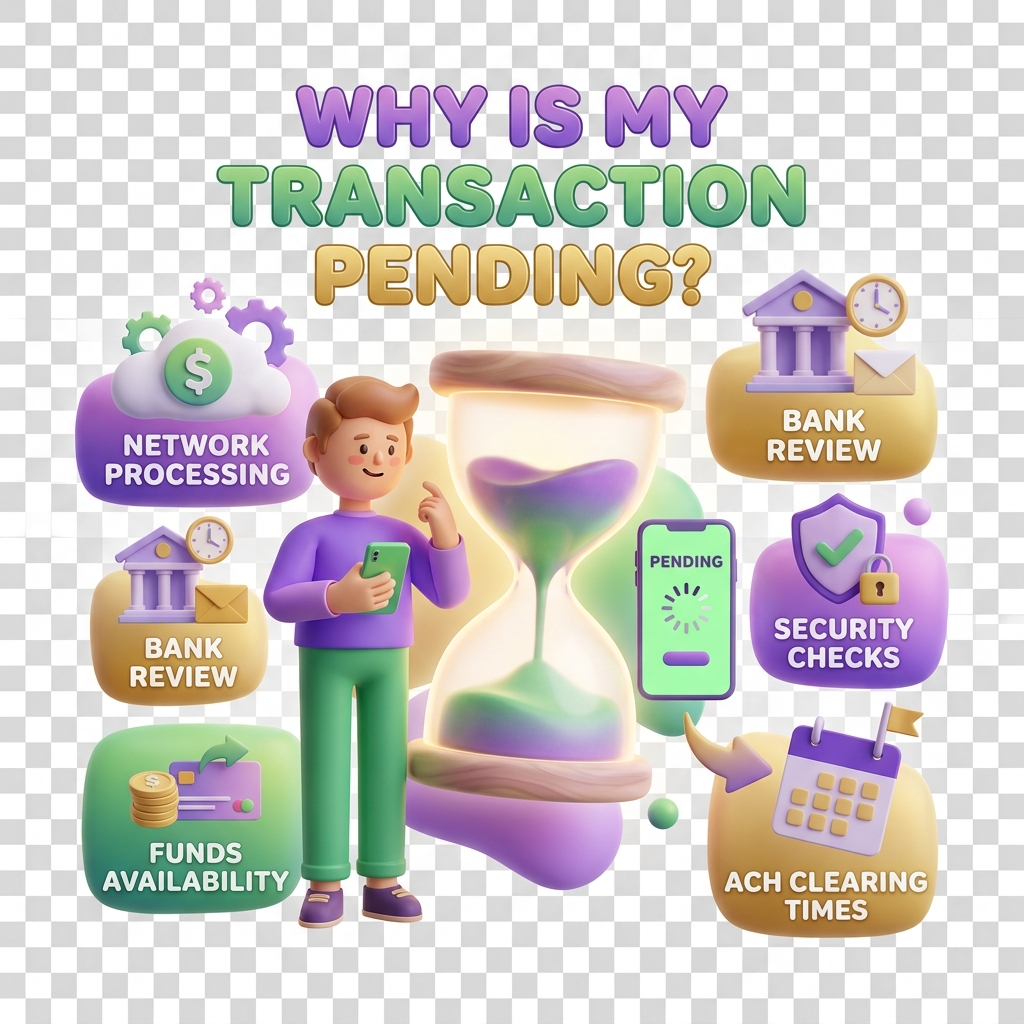
Why a transaction is showing as pending for too long
A pending transaction that won’t move is one of the more frustrating experiences on KiddyCash — especially when a parent is waiting for an allowance to reflect in a child’s wallet, or a school disbursement is holding up end-of-term activity funds. This article walks through how to diagnose the issue and what to do next.
Symptoms to watch for
You’re likely dealing with a stuck transaction if:
- The status has shown Pending for more than 15 minutes (mobile money) or 24 hours (bank transfers)
- The sender’s balance was debited but the recipient’s wallet shows no change
- You can see the transaction code in your history but tapping it shows no progress update
- You received a payment confirmation SMS from mobile money or your bank, but KiddyCash hasn’t updated
- A campaign payout or subscription renewal is delayed and linked rewards or badges haven’t been issued
Common causes
1. Mobile money gateway delays mobile money and similar networks in various markets occasionally experience processing lags — especially during peak hours, public holidays, or month-end salary cycles. KiddyCash receives a callback from the payment provider; if that callback is delayed or dropped, the transaction stays pending on our end even though the funds moved.
2. KYC or KYB holds If the sending or receiving account has a pending verification step — an incomplete KYC for a parent wallet or an unresolved KYB check for a business or school account — the system may hold the transaction automatically until identity requirements are met. This is especially common for first-time transactions above certain your local currency thresholds.
3. Mismatched transaction details A wrong phone number, an inactive wallet, or a recipient account that has been suspended can cause a transaction to sit in a pending state rather than fail outright.
4. System reconciliation lag During high-volume periods — back-to-school allowance disbursements, bulk school fee payments — KiddyCash’s reconciliation queue can back up. Most of these resolve automatically within the standard SLA window.
Steps to diagnose and resolve
Step 1 — Check the transaction detail page
Go directly to your transaction using the link format https://kiddy.cash/transactions/{transactionId} (replace {transactionId} with the code from your notification or transaction history). The status breakdown will show exactly where it’s stuck — at initiation, gateway confirmation, or wallet credit.
Step 2 — Confirm on the payment provider’s side If you paid via mobile money, check your digital notification history for a confirmation. If the confirmation exists but KiddyCash still shows pending, the issue is almost certainly a missed callback — escalate via the next step.
Step 3 — Verify KYC/KYB status Check whether your account or the recipient’s account has any outstanding verification flags. Unresolved KYC holds are a leading cause of stuck transactions for new accounts and businesses onboarding to KiddyCash for the first time.
Step 4 — Wait for the SLA window, then escalate
- Mobile money transactions: allow up to 30 minutes before escalating
- Bank or card transactions: allow up to 48 hours
If the window has passed, contact KiddyCash Support with your transaction code, the amount, the timestamp, and your mobile money or bank reference number. Support can manually trigger a reconciliation check or initiate a reversal if funds are confirmed stuck.
Step 5 — Request a reversal if needed If the transaction cannot be completed — for example, the recipient wallet no longer exists — support can process a reversal back to the original funding source. Reversals for mobile money typically reflect within 1–3 business days.
Tip: Stuck transactions almost never result in double charges. KiddyCash’s payment flow is idempotent — retrying a failed transaction won’t create a duplicate debit.
Related articles
how-to-read-your-transaction-historyunderstanding-kyc-and-kyb-on-kiddycashhow-allowance-disbursements-workcontacting-kiddycash-support