
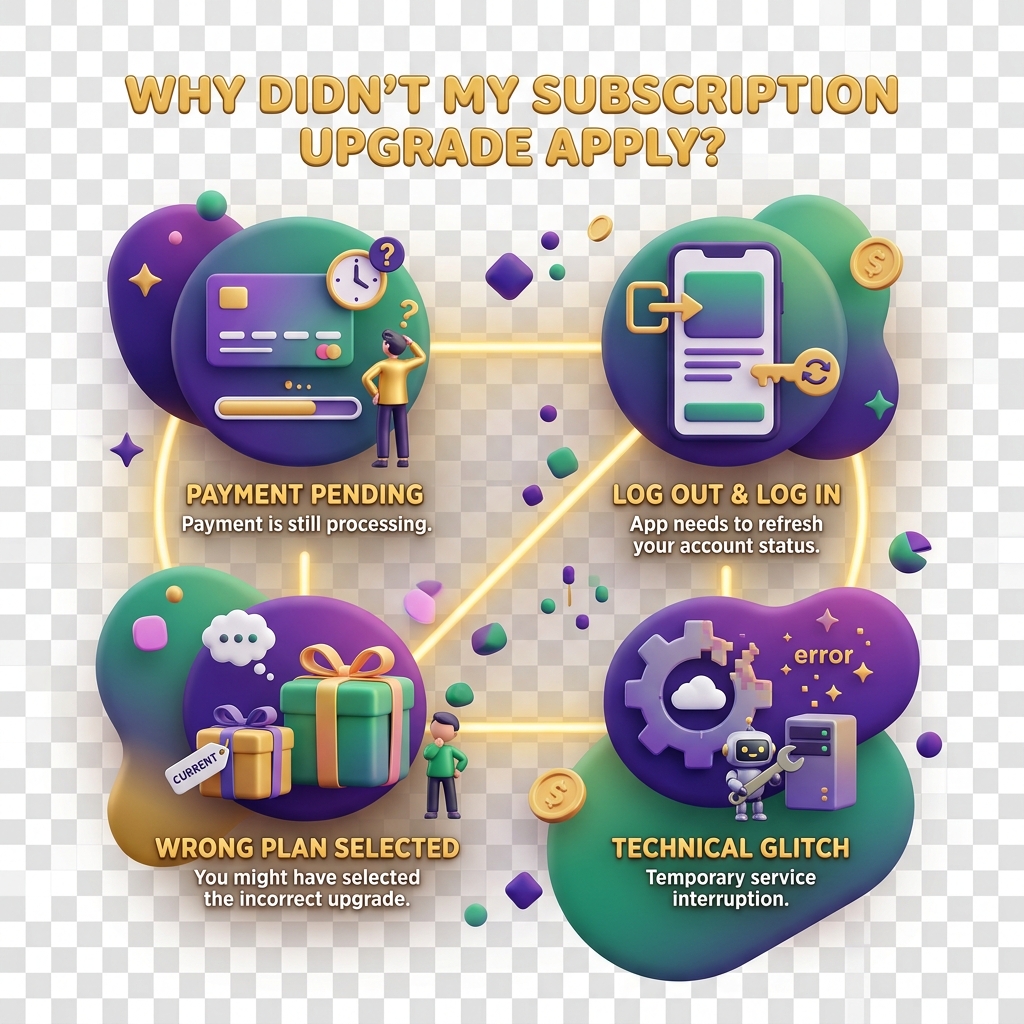
Why My Subscription Upgrade Did Not Apply
Payment went through — mobile money confirmed, your local currency balance dropped — but KiddyCash still shows your old plan. Frustrating, but this is a known sync issue with specific triggers. Here is how to diagnose and fix it.
Symptoms
You are likely hitting this issue if you notice one or more of the following:
- Premium features (advanced allowance rules, campaign tools, extended wallet limits) are still locked after a successful payment.
- Your subscription dashboard still shows the Free or Basic tier despite the upgrade.
- A badge or school/business feature that should have unlocked remains inaccessible.
- The upgrade was processed but no confirmation email arrived, even though the mobile money STK push completed.
Common Causes
1. Payment confirmed but webhook not received KiddyCash listens for a payment confirmation signal from the payment processor. If that signal is delayed — common during peak hours or network instability on the mobile carrier side — the platform never gets the green light to flip your plan tier.
2. Account mismatch at checkout If you were logged into one account but the mobile money number is registered to a different KiddyCash profile, the payment lands in a limbo state. This happens most often when a parent upgrades on behalf of a family unit but uses a personal number that is not the primary account phone.
3. Browser session cached the old plan After a successful upgrade, the frontend sometimes serves a cached version of your plan state. The backend has you on the new plan; your browser just does not know it yet.
4. Pending KYC/KYB verification Certain plan tiers — especially those unlocking business or school features — require completed identity verification. A payment can succeed while the feature gate stays locked because KYC or KYB is still in review. This is an intentional hold, not a bug.
5. Mid-cycle upgrade timing edge cases Upgrading in the last few minutes of a billing cycle can cause the system to apply the new plan to the next cycle rather than the current one, depending on how your renewal timestamp aligns.
How to Fix It
Step 1 — Force a session refresh Log out completely, clear your browser cache (or use a private window), then log back in. Check your subscriptions page again. This resolves the majority of caching issues within seconds.
Step 2 — Verify the payment reference Go to your digital notifications and copy the transaction code from the confirmation SMS. Open a support ticket and include that code. The support team can manually reconcile the payment against your account and trigger the plan update on the backend.
Step 3 — Confirm account alignment Make sure the phone number on your KiddyCash profile matches the mobile money number used to pay. You can check and update your profile phone number in account settings. If there is a mismatch, support will need to manually link the transaction.
Step 4 — Check your KYC/KYB status If you are upgrading to a business or school plan, navigate to your verification section and confirm your documents are approved, not just submitted. Features tied to compliance checks will not unlock until the review is complete, regardless of payment status.
Step 5 — Wait and re-check (short window) For webhook delays, the system usually self-corrects within 15–30 minutes. If your plan has not updated after 30 minutes, escalate — do not wait longer.
When to Contact Support
If none of the above resolves it, reach out with your:
- mobile money transaction code
- Account email or registered phone number
- Screenshot of the locked feature
The team can force-apply the plan tier manually once payment is confirmed on the processor’s side.
Related Articles
why-did-my-mpesa-payment-failhow-to-manage-your-subscriptionunderstanding-kyc-and-kyb-on-kiddycashbilling-cycles-and-renewal-dates