
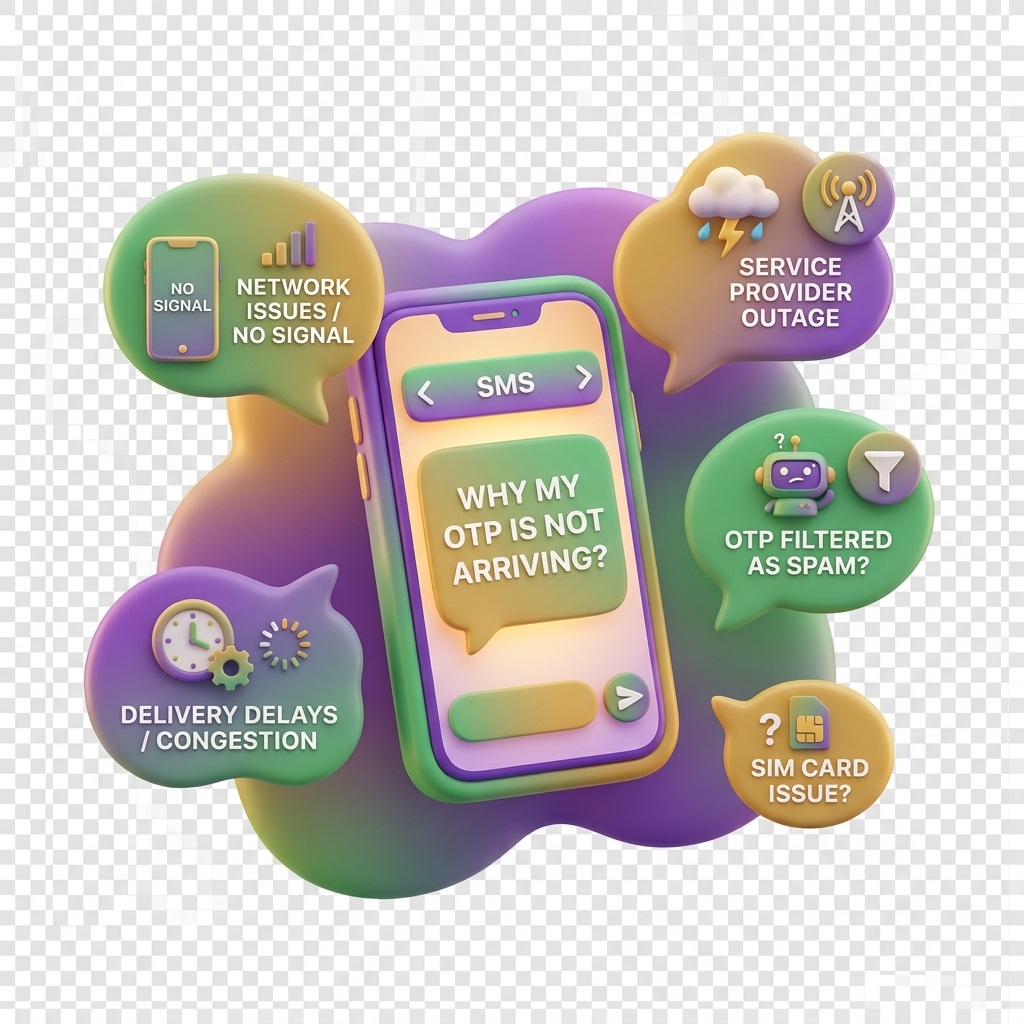
Why My OTP Is Not Arriving
An OTP (One-Time Password) is a short numeric code that KiddyCash sends to your phone via SMS to confirm your identity when you log in. If that code never arrives, you cannot complete the login process. This article walks you through the most common reasons and how to fix each one.
Symptoms
You may be experiencing this issue if:
- You entered your phone number on the KiddyCash login page and tapped Send OTP, but no SMS arrived.
- You received the SMS once before but it is no longer coming through.
- The SMS arrives very late — sometimes after the 5-minute expiry window.
- You see a “Code not received” or “OTP expired” error message on screen.
Common Causes
Understanding why the OTP failed helps you fix it faster. The usual culprits are:
- Wrong phone number — A typo in your number means the SMS goes somewhere else entirely.
- Network congestion or carrier delays — Mobile carriers around the world occasionally delay SMS delivery during peak hours.
- Your SMS inbox is full — Older phones with limited storage stop receiving new messages when the inbox is full.
- The number is not verified on your account — KiddyCash requires your phone number to be linked to your profile before OTP login works.
- Your account is inactive or suspended — OTPs will not be sent to accounts that have been paused or flagged during KYC (Know Your Customer) review.
- Spam or message-blocking filters — Some Android devices and network-level spam filters silently block automated SMS messages.
Solutions
Work through these steps in order until your OTP starts arriving.
-
Double-check the phone number you entered. Go to the KiddyCash login page and re-type your number carefully. Include the correct country code — for example, enter your number in the correct international format for your country.
-
Wait up to two minutes and try again. Network delays are common across mobile carriers in East and regions worldwide. If you requested the OTP during a busy period, it may still be in transit.
-
Clear your SMS inbox. Delete old messages — especially promotional ones from mobile money, your bank, or your network provider — to make room for new SMS delivery.
-
Check if your number is properly verified. If you have never confirmed your number inside KiddyCash, OTP login will not work. Follow the steps in How to verify your phone number for OTP login to link and confirm your number.
-
Check your spam or blocked-messages folder. On some Android devices, go to your Messages app, tap the menu icon, and look for Spam & blocked or Blocked messages.
-
Try a different network or switch to Wi-Fi. If you are on your carrier and OTPs are failing, temporarily switching to a mobile carrier line or mobile data can rule out a carrier-level issue.
-
Review the full login process. If you are unsure whether you are following the correct steps, read How to log in with email and OTP for a complete walkthrough.
-
Contact KiddyCash Support. If none of the above works, reach out through the in-app Help button or email support. Provide your registered phone number and the approximate time you tried to log in so the team can check delivery logs.
Still Not Working?
If your account was recently created or your KYC review is still pending, OTP delivery may be restricted until verification is complete. A support agent can confirm your account status and unblock delivery manually.